Record a meeting and get a clean, searchable transcript — plus an instant summary and a ready-made action list. Transcribed locally with Whisper, on hardware you own. No recording is saved, only the transcript. Your audio never leaves your device.
On-device transcriptionNo audio ever savedSummary & to-dos in one tap
See it in action
From hitting record to a summarized set of action items — all inside the app.
Hit record when the meeting starts. Local Whisper transcribes on-device as people speak — nothing is uploaded to a cloud service.
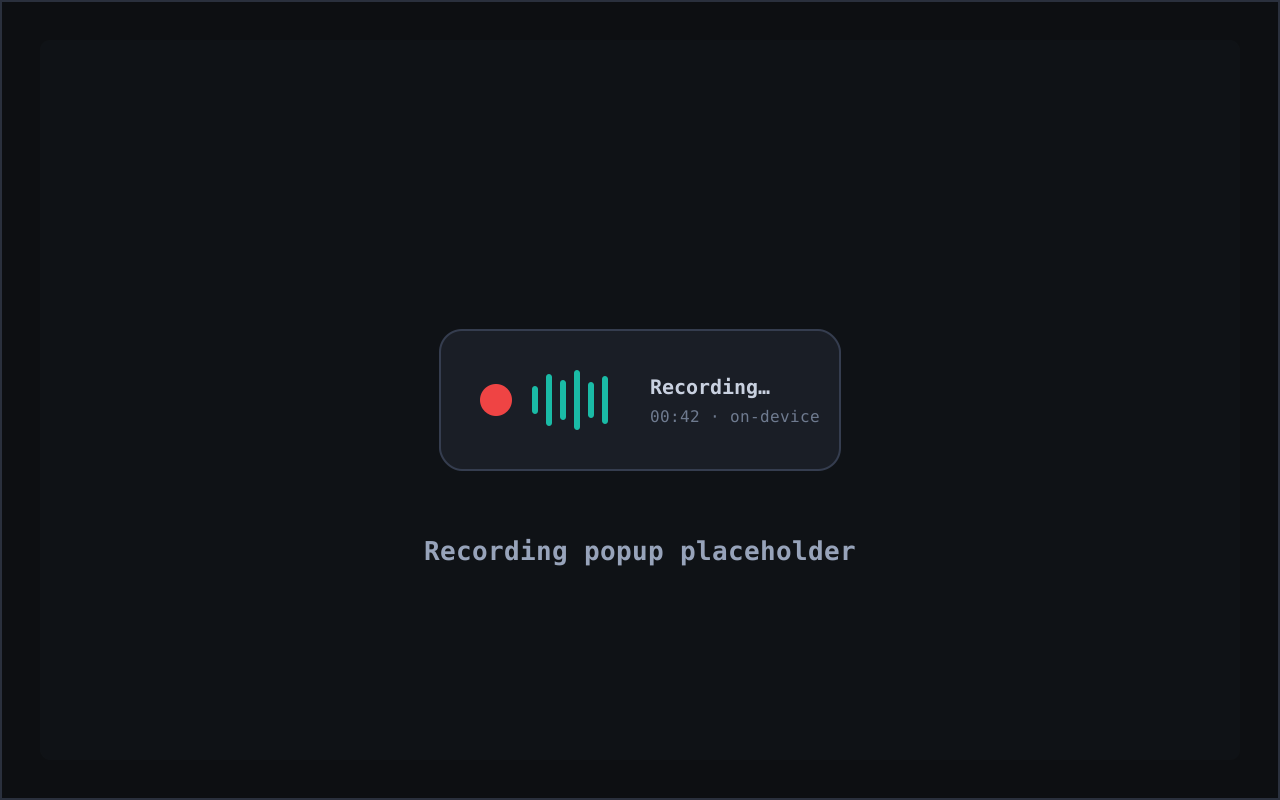
A floating popup makes it obvious when capture is on — so you, and everyone in the room, always know the meeting is being recorded.
Tuck the recorder into the corner and focus on the conversation. It keeps transcribing until you stop it.
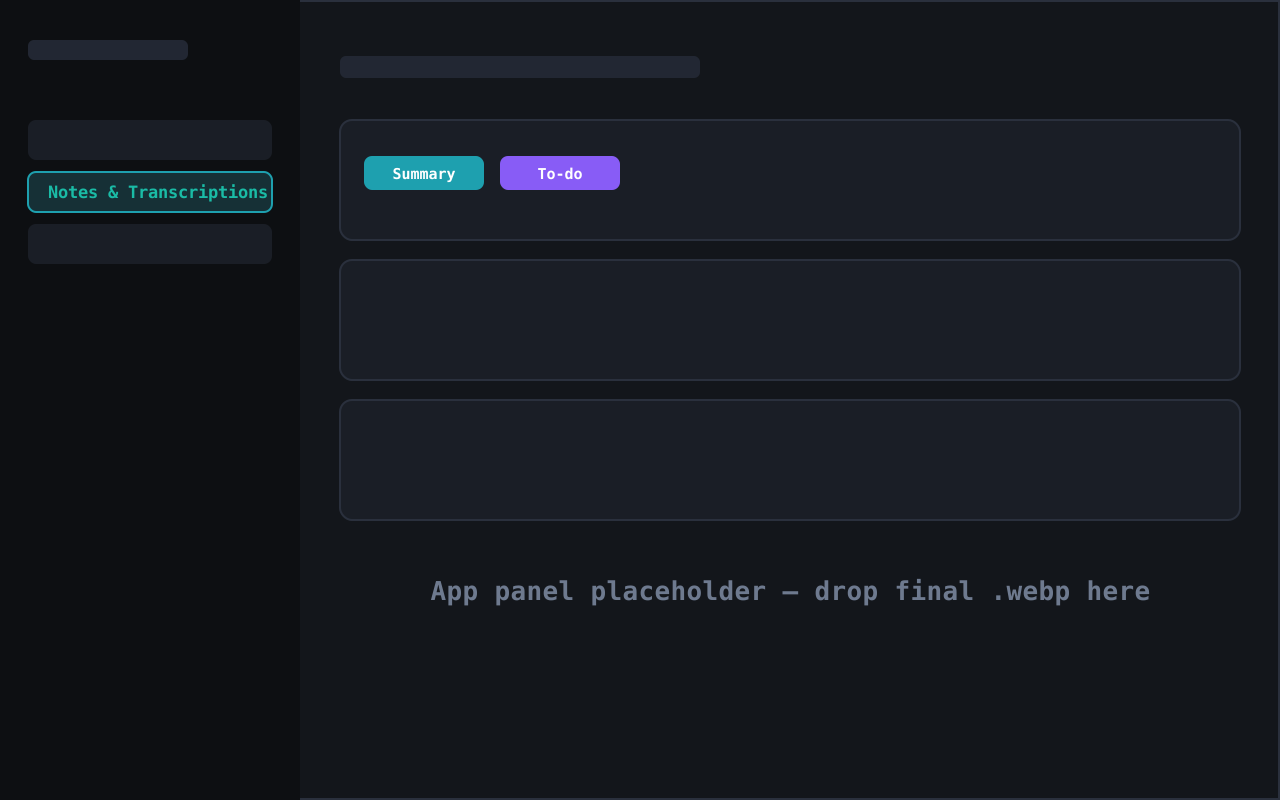
The meeting lands under Notes & Transcriptions. Tap Summary for the gist, or To-do to turn decisions into an action list — no retyping.
Configure it in Settings — choose the local Whisper model, language, audio source, and hotkey.
Recording-consent laws vary by place — many require every participant to consent before a conversation can be recorded. Before you record, make sure you comply with all applicable recording, wiretapping, and consent laws in your jurisdiction and those of everyone involved. Central-Intel provides the tool; lawful use is entirely up to you, and we are not responsible for how you use it. See our Terms and Privacy Policy.
Why transcribe here
Most meeting-AI tools pipe your call into their cloud. Central-Intel keeps the audio, the transcript, and the summary on hardware you own.
Whisper runs locally on your own CPU or GPU. There's no third-party meeting bot joining your call and no transcript sitting in someone else's cloud.
One tap turns the transcript into a tight Summary; another turns decisions into a To-do list. Walk out of the meeting with the notes already done.
The recording is transcribed and then discarded — only the text remains. A visible indicator shows when capture is on, and you choose what's kept.
Transcripts are saved locally under Notes & Transcriptions — searchable, exportable, and feeding your personal AI's memory if you choose. Delete any time.
The part that matters
The meeting audio is transcribed on the fly and then discarded. There's no recording file on a server — or on your disk — to leak or subpoena. What remains is the text transcript, stored locally on your device under Notes & Transcriptions, yours to keep, export, or delete.
Meeting transcription FAQ
Yes. Transcription runs locally with Whisper on your own machine. Your audio is never uploaded to a transcription service, so it never leaves your device.
No audio recording is kept. The meeting is transcribed on the fly and the audio discarded — only the text transcript is saved, locally, under Notes & Transcriptions.
Yes. Every transcript has a one-tap Summary button and a one-tap To-do button that pulls action items straight out of the discussion.
You are responsible for complying with all applicable recording, wiretapping, and consent laws — in your jurisdiction and those of every participant. Many places require all-party consent. We give you the tool; lawful use is up to you.
Transcription runs on a local Whisper model, so capture and transcription work with no internet. Optional AI cleanup can also run on a local model.
The Central-Intel desktop app runs on macOS, Windows, and Linux.
Record, transcribe, and summarize on the hardware you already own.
Speech-to-text powered by OpenAI Whisper (MIT License), running locally on your device.