Speak naturally and watch it become text — transcribed locally with Whisper, on hardware you own. Ramble, backtrack, change your mind; Central-Intel cleans it into a finished draft. No recording is saved — only the transcript. Your voice never leaves your device.
100% on-device speech-to-textNo audio ever savedWorks with no internet
See it in action
From one tap to a clean transcript — here's every step, right inside the app.
Hit the dictation button and start talking. Local Whisper begins transcribing on-device immediately — nothing is uploaded.
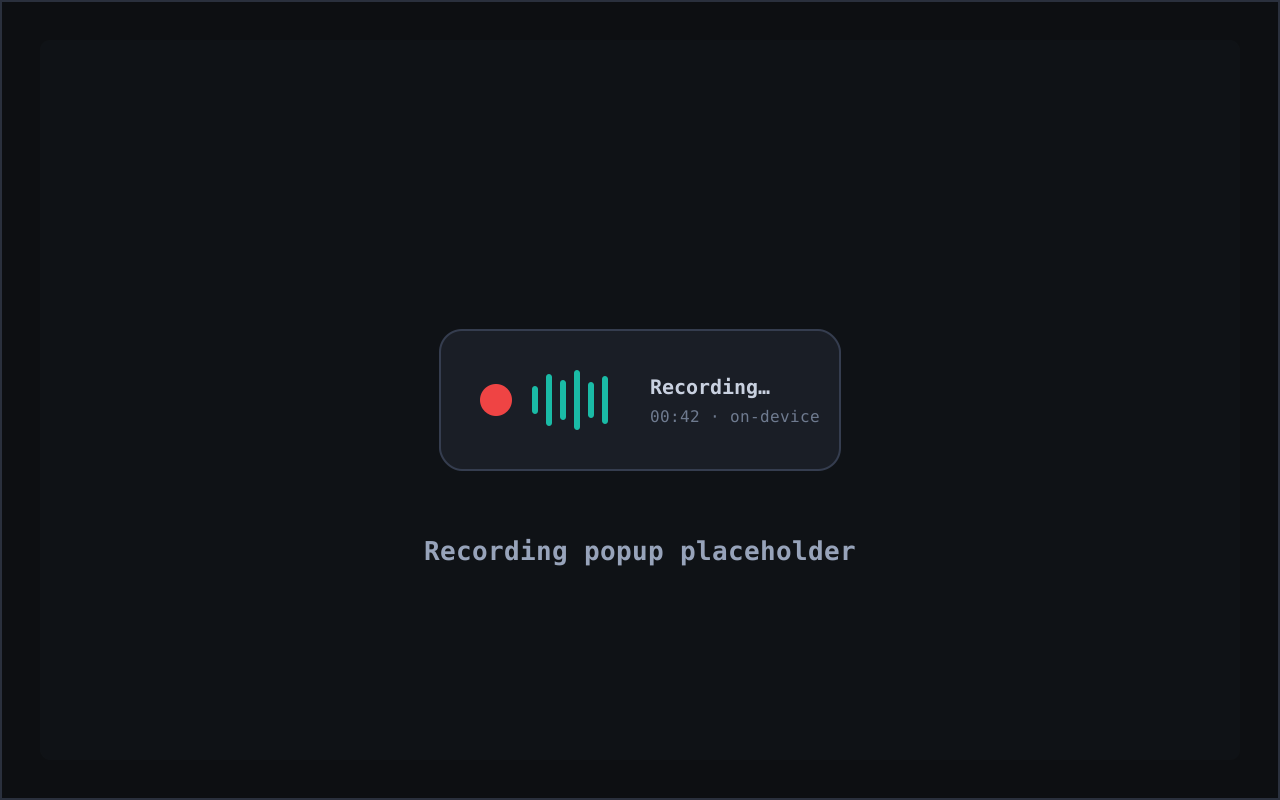
An unobtrusive recorder floats on screen with a live indicator, so you always know exactly when it's capturing — and when it isn't.
Tuck the recorder into the corner and dictate into any app. It stays put until you're done — no window juggling.
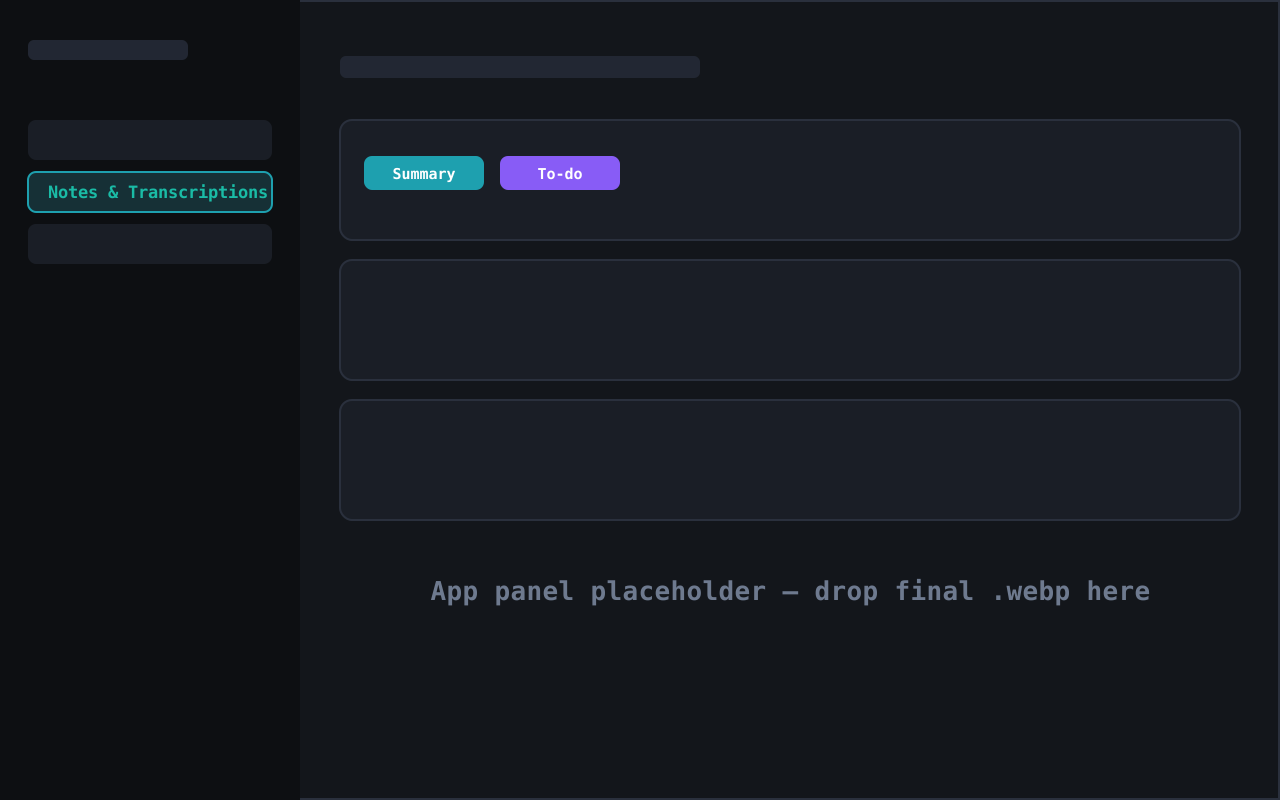
Each transcript is saved under Notes & Transcriptions. One tap on Summary condenses it; one tap on To-do pulls out the action items.
Tune it your way in Settings — pick the local Whisper model, set your language and hotkey, and switch rambler correction on or off.
Why dictate here
Cloud dictation sends your voice to someone else's servers. Central-Intel keeps the whole thing on the machine in front of you.
Whisper runs on your own CPU or GPU. Dictation works on a plane, in a basement, anywhere — because there's no server to call. No internet required.
Speak the way you actually think — false starts, "wait, scratch that," tangents and all. Switch on rambler correction and Central-Intel rewrites the mess into clean, finished text. You dictate; it drafts.
Every transcript gets a Summary button and a To-do button. Turn a five-minute ramble into a tight summary or a clean action list without retyping a thing.
No audio is retained — it's transcribed and discarded. A clear on-screen indicator shows when it's listening, processing stays on-device, and you control the hotkey and what gets saved.
The part that matters
Your audio is transcribed on the fly and then discarded. There's no voice file sitting on a server — or even on your disk — waiting to be mined, leaked, or subpoenaed. What remains is the text you dictated, stored locally on your device under Notes & Transcriptions, yours to keep or delete.
How it works
No terminal, no cloud account, no per-minute billing.
Hit your dictation shortcut and talk normally. Local Whisper transcribes your voice on-device in real time — no upload, no waiting on a server.
Turn on rambler correction and Central-Intel rewrites the raw transcript into a coherent draft — punctuation, structure, and your tangents pruned away.
The transcript lands in Notes & Transcriptions. Tap Summary or To-do, drop it into email or code, or let your personal AI act on it — all on a machine you control.
Dictation FAQ
Yes. Speech-to-text runs locally with Whisper on your own machine. Your audio is never uploaded to a transcription service, so your voice never leaves your device.
No audio recording is kept. The audio is transcribed on the fly and discarded — only the text transcript is saved, stored locally under Notes & Transcriptions.
It lets you speak the way you actually think — false starts, tangents, "scratch that" — and Central-Intel rewrites it into clean, finished text. You dictate the mess; it hands back the draft.
In the Notes & Transcriptions area. From there, tap Summary for a one-tap summary, or To-do to pull action items straight out of what you said.
No. Local Whisper dictation works with no internet. Optional AI cleanup can run on a local model too, so the whole flow works with no data center and no cloud.
The Central-Intel desktop app runs on macOS, Windows, and Linux.
Run AI — and your voice — on the hardware you already own.
Speech-to-text powered by OpenAI Whisper (MIT License), running locally on your device.